

Search
Search for a symbol or emoji...
Smiling Face with Heart-Shaped Eyes Emoji 😍
Smiling Face with Heart-Shaped Eyes Emoji Information
| Emoji Name | Smiling Face with Heart-Shaped Eyes |
| Unicode | U+1F60D |
| CSS Code | \1F60D |
| HTML Code | 😍 |
| Emoji | 😍 |
How to add smiling face with heart-shaped eyes emoji on different Operating systems
How to type smiling face with heart-shaped eyes emoji on Microsoft Windows
- Place your cursor in the text area where you need to insert the emoji
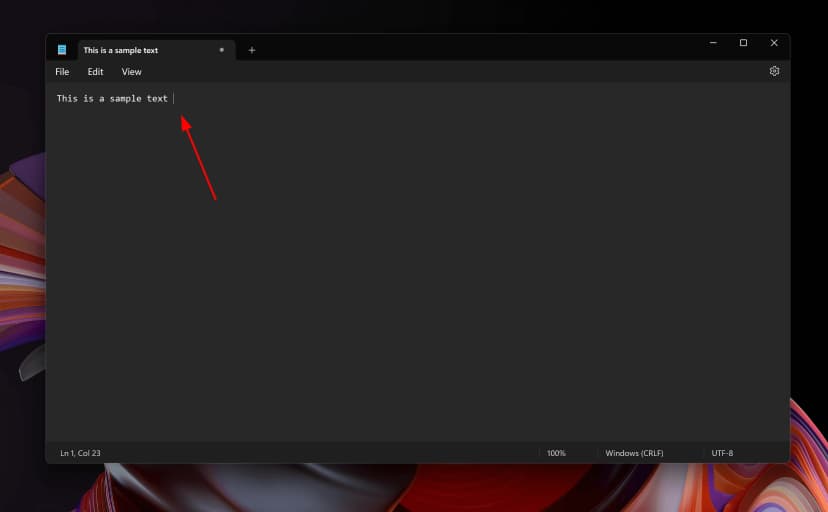
- Without moving the cursor press keys Windows + ; together
- This will open up windows character picker
- Type "Smiling Face with Heart-Shaped Eyes" in the search area and hit Enter
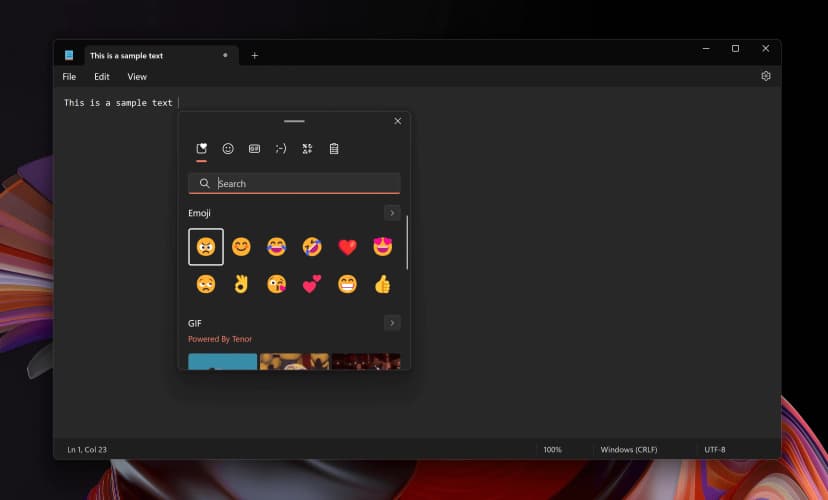
- Your desired emoji will be shown and you can insert it to your document by simply clicking on it with the mouse
How to type smiling face with heart-shaped eyes emoji on Mac OS
- Place your cursor in the text area where you need to insert the emoji
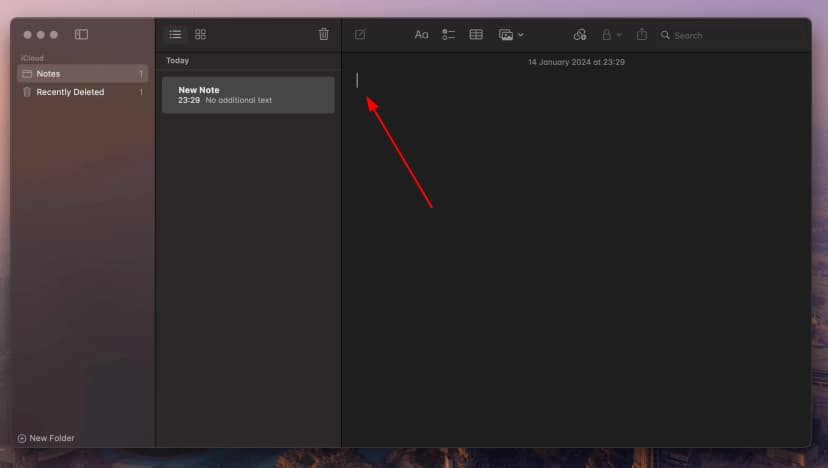
- Without moving the cursor press keys Fn or 🌐 + E together
- This will open up the emoji picker
- Type "Smiling Face with Heart-Shaped Eyes" in the search area and hit Enter
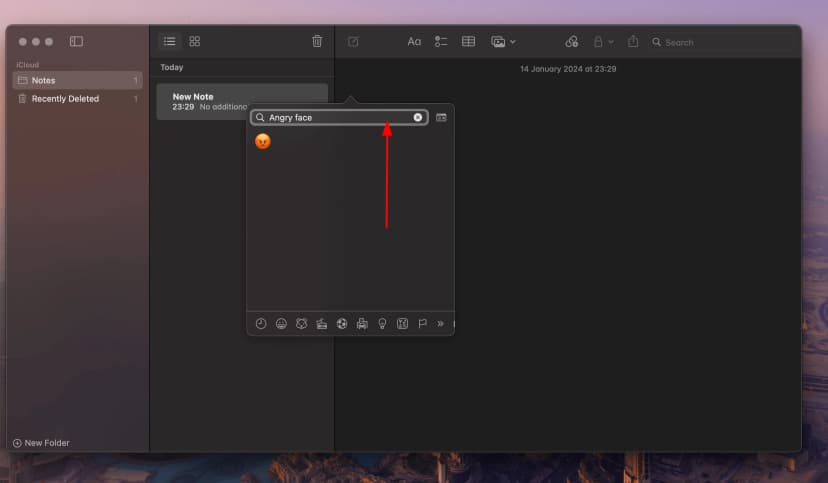
- Your desired emoji will be shown and you can insert it to your document by simply clicking on it with the mouse
How to use smiling face with heart-shaped eyes emoji in CSS
//CSS Example
1span {
2    content: \1F60D;
3  }
How to type smiling face with heart-shaped eyes emoji in HTML
//HTML Example
1<span>😍</span>