

Search
Search for a symbol or emoji...
Airplane Departure Emoji 🛫
Airplane Departure Emoji Information
| Emoji Name | Airplane Departure |
| Unicode | U+1F6EB |
| CSS Code | \1F6EB |
| HTML Code | 🛫 |
| Emoji | 🛫 |
How to add airplane departure emoji on different Operating systems
How to type airplane departure emoji on Microsoft Windows
- Place your cursor in the text area where you need to insert the emoji
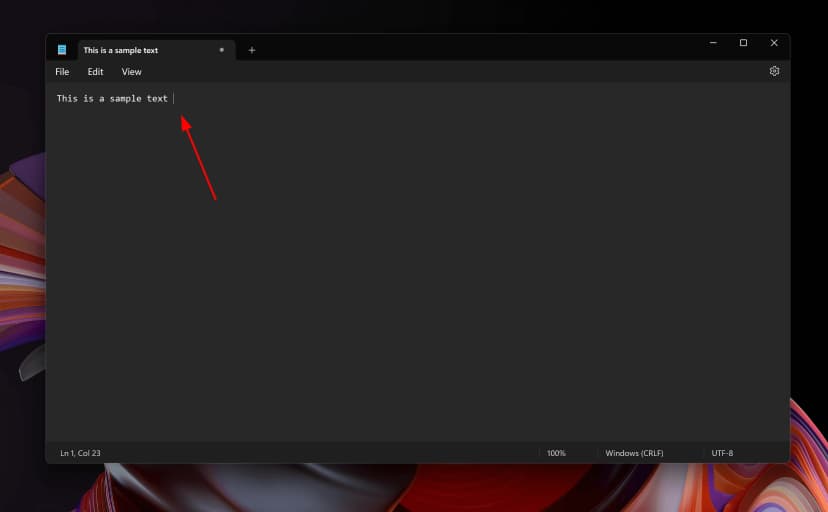
- Without moving the cursor press keys Windows + ; together
- This will open up windows character picker
- Type "Airplane Departure" in the search area and hit Enter
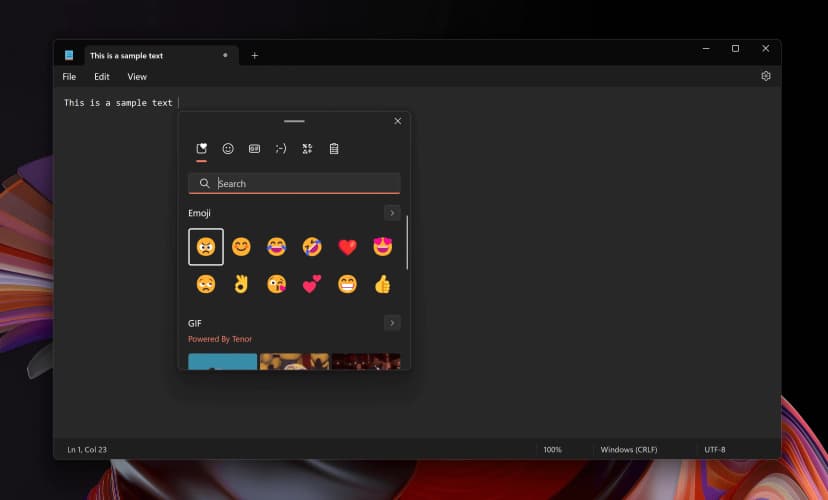
- Your desired emoji will be shown and you can insert it to your document by simply clicking on it with the mouse
How to type airplane departure emoji on Mac OS
- Place your cursor in the text area where you need to insert the emoji
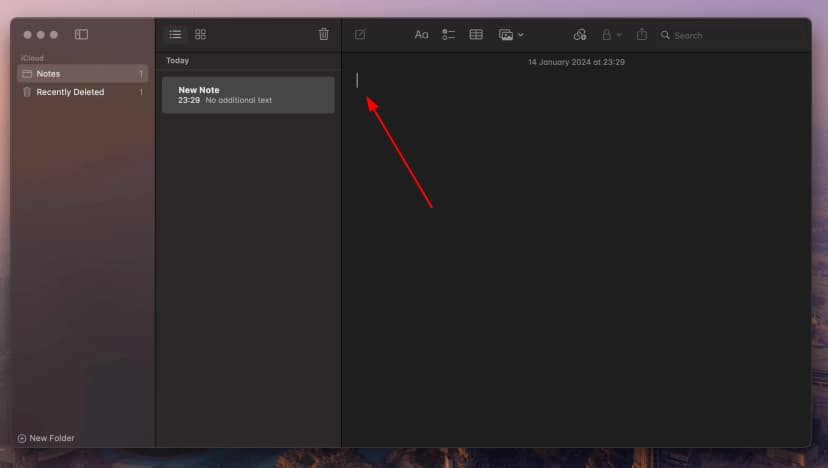
- Without moving the cursor press keys Fn or 🌐 + E together
- This will open up the emoji picker
- Type "Airplane Departure" in the search area and hit Enter
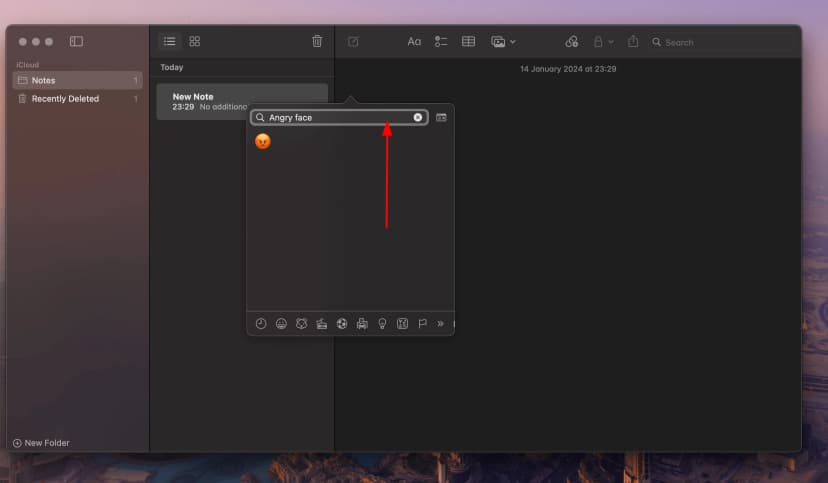
- Your desired emoji will be shown and you can insert it to your document by simply clicking on it with the mouse
How to use airplane departure emoji in CSS
//CSS Example
1span {
2    content: \1F6EB;
3  }
How to type airplane departure emoji in HTML
//HTML Example
1<span>🛫</span>